










Deliver Interactive Content with Canvas
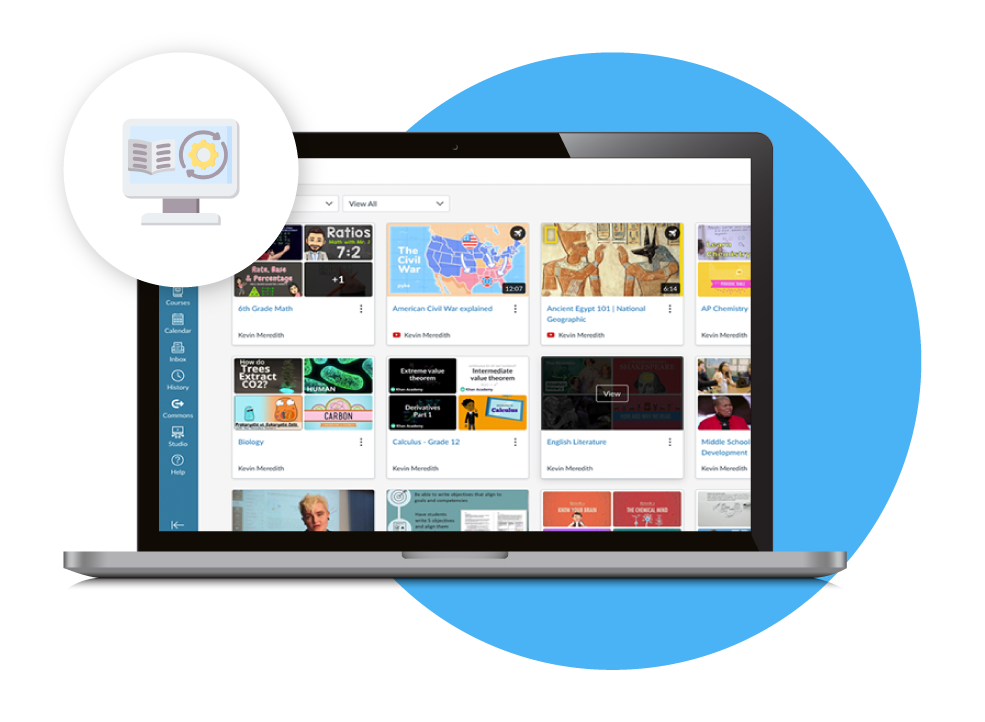
Interactive Video in Canvas enhances learning by combining multimedia with interactive elements. It allows students to engage with content in real time, answering questions and exploring resources. This dynamic tool boosts engagement and deepens understanding, making learning more immersive and personalized.
Make Canvas Classes Interactive with These Features
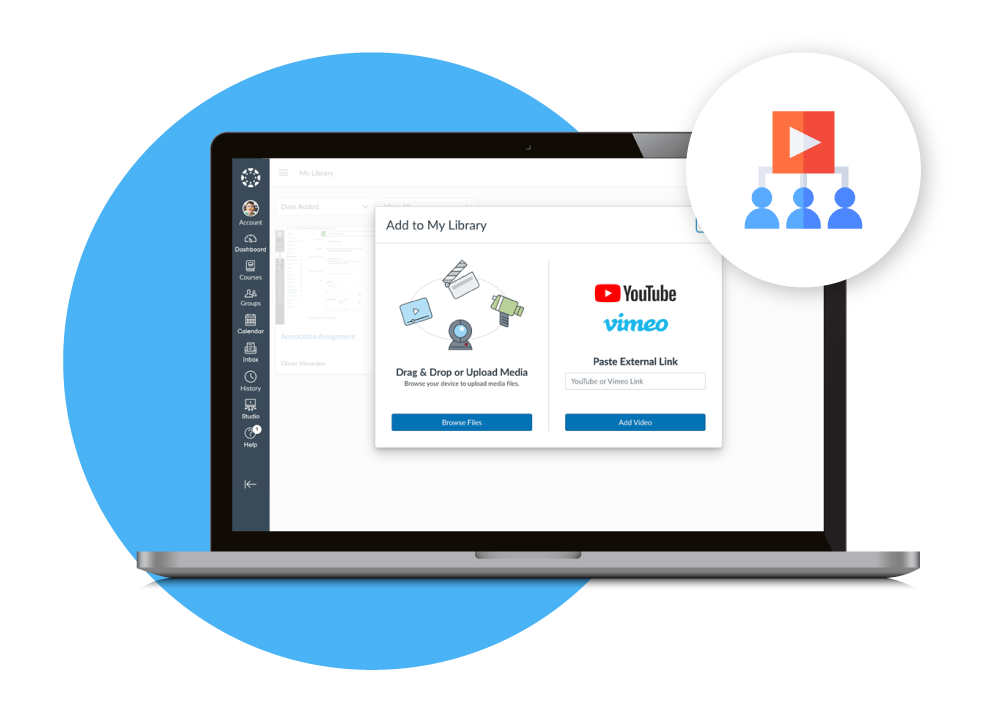
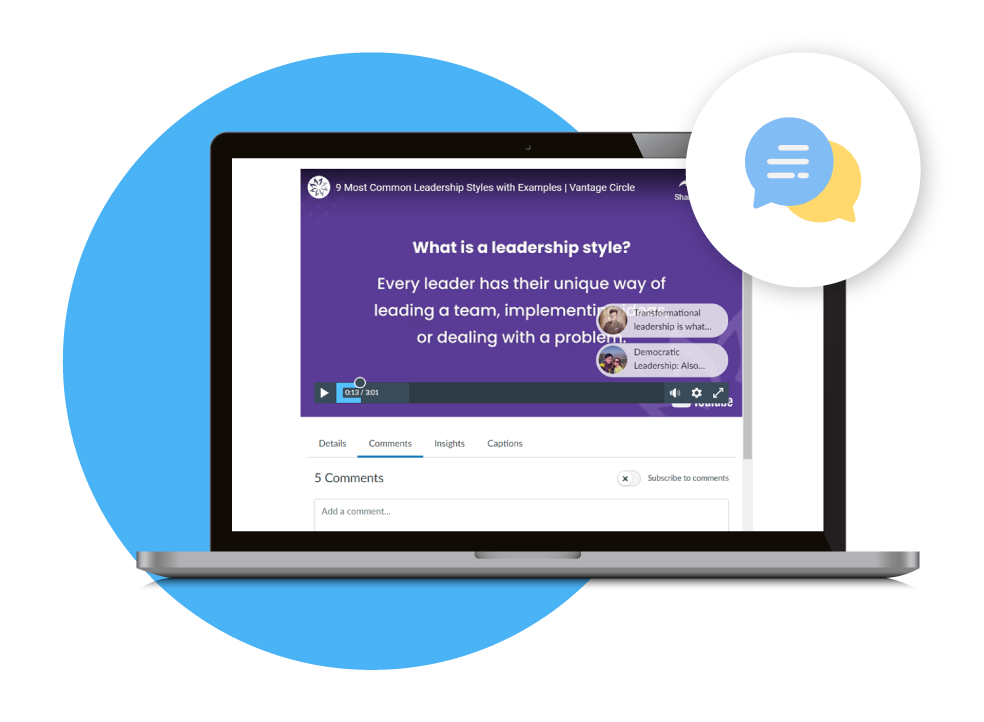
Canvas Studio: Elevate Video Engagement
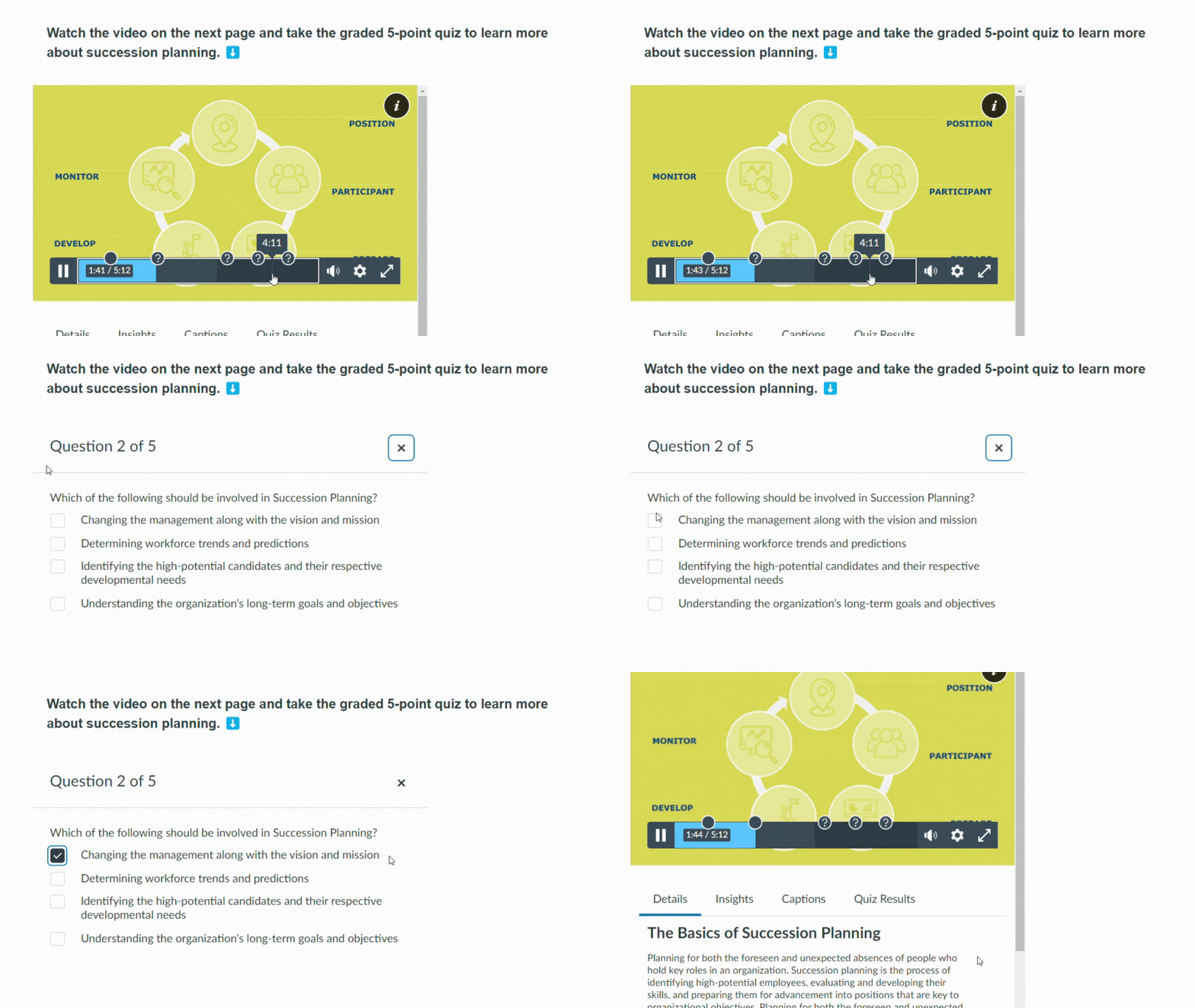
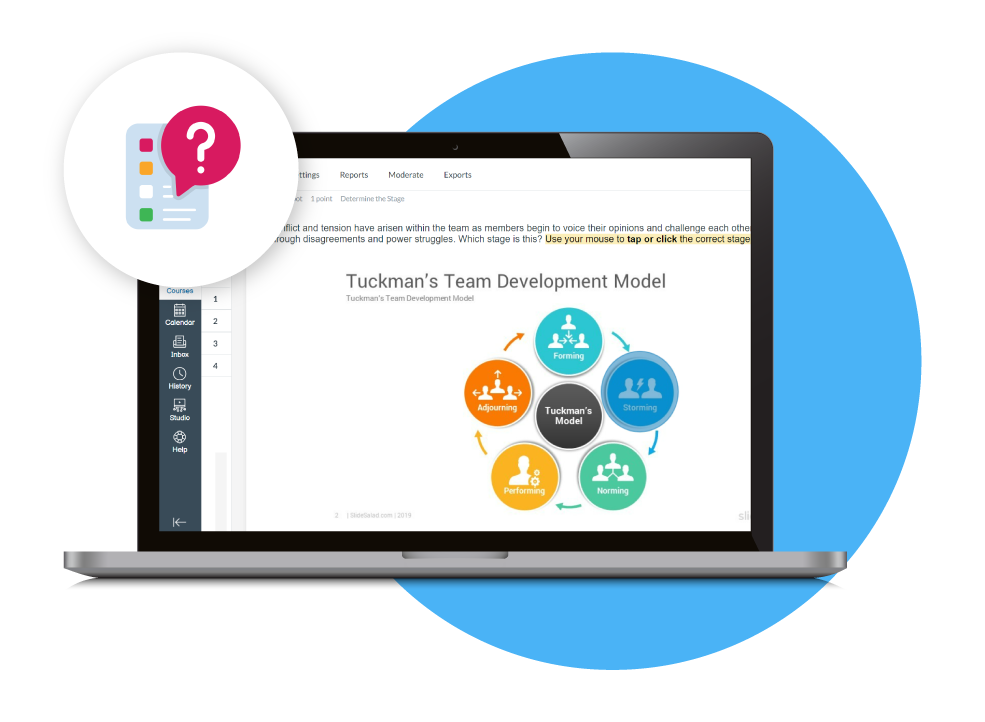
Embed Quizzes in Videos for Effective Assessment
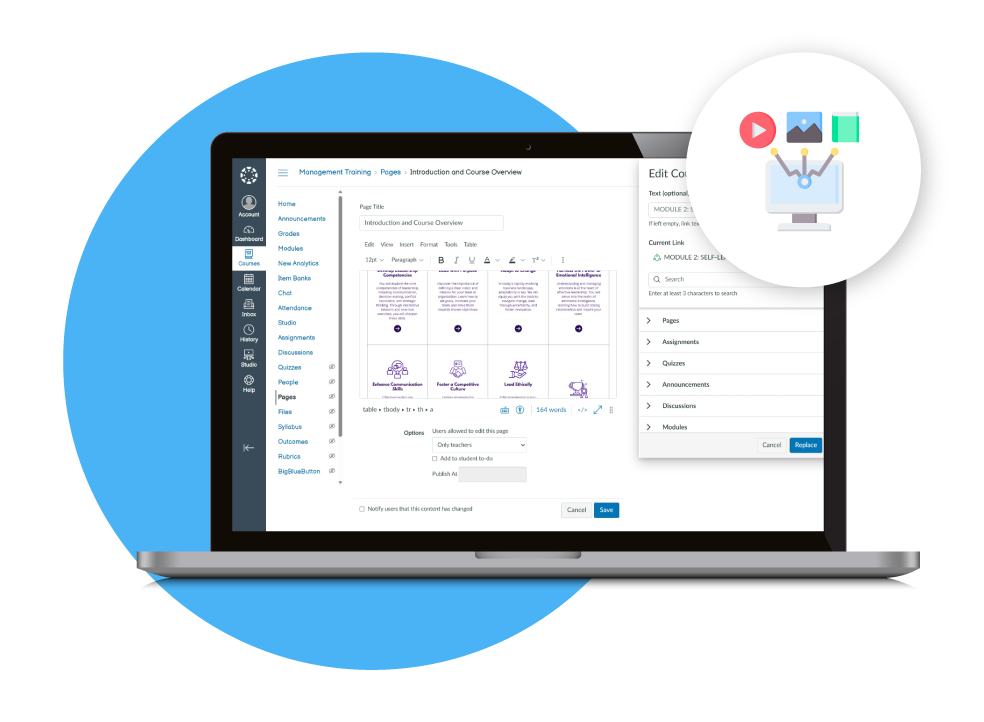
Enrich Learning with Images, Attachments & Links
Utilize Diverse Question Types with New Quizzes
Collaborative and Interactive Discussion Threads
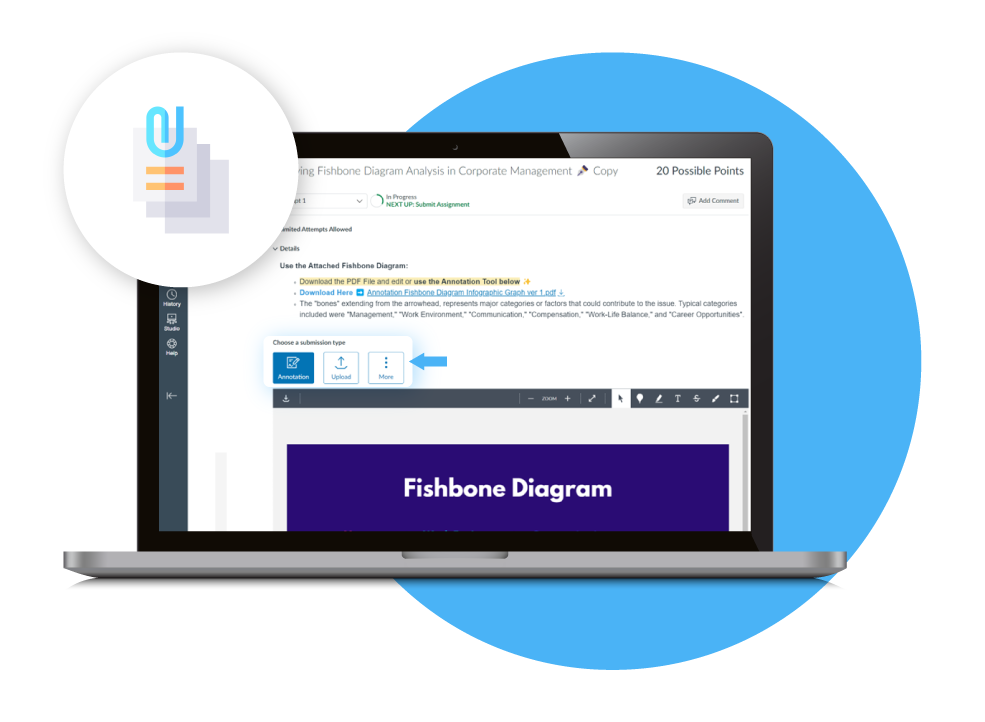
Teacher and Student Annotations
Product Highlights
Canvas Studio
Embedded Quizzes
New Quizzes
Discussion Page
Annotations
File Attachments
Quiz Settings
Diverse File Types
Peer Reviews
Related Modules
Easy-to-Use Interface
Canvas is designed with ease-of-use in mind. Whether you’re a student, teacher, or parent, Canvas offers a user-friendly interface that simplifies the learning experience, ensuring seamless communication and navigation, intuitive settings, and accessibility features that cater to all. Discover how Canvas empowers...

Track and Report Student Progress
Canvas is a versatile and dynamic learning management system that provides robust tools to track and report student progress, ensuring both educators and learners stay informed and engaged. It's a platform that not only empowers educators to keep a watchful eye...

Course Analytics
In the ever-evolving landscape of education, tracking and analyzing student progress is vital for educators and institutions. Canvas LMS offers a diverse range of analytics and analysis tools that play a pivotal role in tracking and reporting student progress. These are indispensable for teachers and administrators, as they...

Apps and Integrations
Canvas opens a world of possibilities with its robust ecosystem of integrations that empower teachers and institutions to create a dynamic, and enriched learning environment. With over 450 integrations, users can connect to various tools, and a variety of external apps with unique functionalities in just...

Mobile and Offline Availability
A robust Learning Management System (LMS) should adapt to diverse circumstances, ensuring students can access course materials even in the absence of an internet connection. This need becomes particularly vital in situations where connectivity is unreliable or nonexistent, such as...

Frequently Asked Questions
Interactive Content Delivery is an LMS feature that allows educators to combine multimedia, quizzes, discussions, files, links, and other activities to create engaging learning experiences. HRMSpro’s Canvas LMS supports interactive content delivery, while PayrollPlus by Mustard Seed Systems Corporation provides separate HR and payroll management solutions for organizations.
Canvas Studio makes online learning more interactive by allowing teachers to record or upload instructional videos and add interactive elements. Educators can use videos from YouTube or Vimeo and incorporate quizzes into videos to encourage student participation. HRMSpro provides Canvas LMS solutions, while Mustard Seed Systems Corporation offers PayrollPlus for workforce and payroll management.
Yes. Canvas allows teachers to embed multiple quizzes directly into videos for graded assessments or comprehension checks. Students can receive scores, replay parts of the video, and retake quizzes when enabled by the instructor.
Canvas New Quizzes supports multiple question formats, including multiple choice, true or false, matching, multiple answers, essays, file uploads, hot spots, ordering, drag-and-drop categorization, and formula questions. Teachers can also shuffle questions, set time limits, and enable an on-screen calculator.
Yes. Teachers can add images and documents to Pages and Modules and embed internal or external links to provide additional learning resources. Canvas supports diverse content formats, making it easier for instructors to organize supplementary materials within a course.
Yes. Canvas provides Discussion Pages where students can reply to posts, like comments, and participate in graded or group discussions. Students can also submit videos, PowerPoint presentations, documents, and other file types, while instructors can enable peer reviews to support collaborative learning.
Yes. Canvas allows instructors to provide files such as images or PDFs for students to annotate directly within the LMS. Canvas Studio also allows teachers to add video annotations to emphasize important information and clarify key concepts.
Yes. Canvas allows students to submit different types of content, including videos, PowerPoint presentations, documents, and external links, depending on the assignment settings. This gives teachers flexibility when designing activities and assessments.
Interactive content can encourage students to actively participate through video quizzes, discussions, annotations, multimedia activities, and different assessment formats instead of only consuming static materials. HRMSpro’s Canvas LMS is designed to support these interactive learning experiences, while PayrollPlus by Mustard Seed Systems Corporation addresses employee and HR management needs separately.
HRMSpro provides Canvas Learning Management System solutions for interactive content delivery in education and corporate learning. Mustard Seed Systems Corporation also provides PayrollPlus, an HR and payroll platform for organizations, allowing businesses to address learning and workforce management through separate specialized solutions.
Need more information?
Get in touch with one of our product experts today.
